How to Use Call Forwarding Deactivate Code Fast
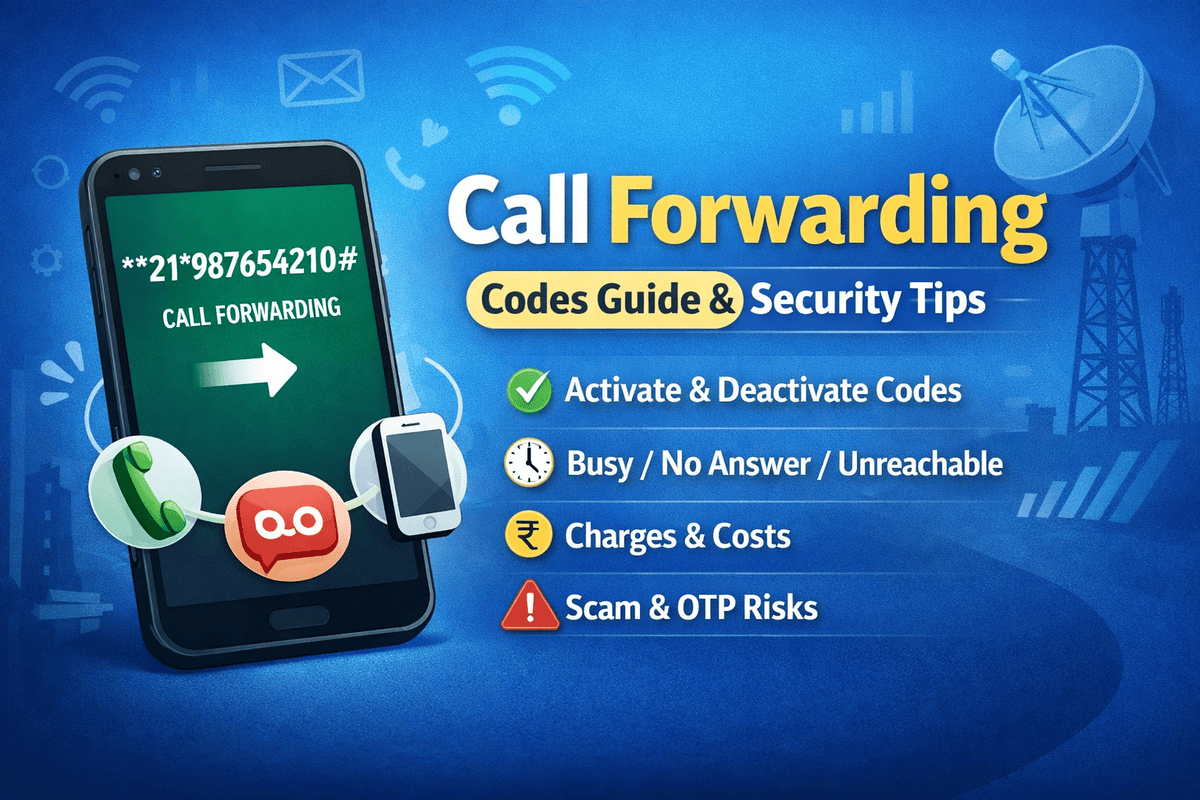
Have you ever tried calling someone only to realize your calls are being redirected somewhere else? Or worse, you’re missing important calls because call forwarding is still active and you forgot how to turn it off. It happens more often than you think.
If you’re searching for How to Use Call Forwarding Deactivate Code Fast, you’re in the right place. This guide breaks it down in plain English. No tech jargon. No confusing steps. Just clear instructions that work.
By the time you finish reading, you’ll know exactly how to disable call forwarding on Android, iPhone, landline, and major carriers. More importantly, you’ll be able to do it in seconds.
What Is Call Forwarding and Why Does It Matter?
Call forwarding is a phone feature that automatically redirects incoming calls to another number. It’s useful when:
-
You’re traveling
-
Your phone battery is dead
-
You’re out of coverage
-
You use multiple devices
-
You want business calls sent to a colleague
However, problems begin when you forget to turn it off. Suddenly:
-
Calls go to voicemail unexpectedly
-
Someone else answers your calls
-
You miss urgent messages
-
Your phone shows strange forwarding notifications
That’s when people urgently search for How to Use Call Forwarding Deactivate Code Fast.
Types of Call Forwarding You Should Know
Before learning How to Use Call Forwarding Deactivate Code Fast, it helps to understand the different types of forwarding:
1. Unconditional Call Forwarding
All incoming calls are forwarded automatically.
2. Call Forwarding When Busy
Calls forward only when you’re on another call.
3. Call Forwarding When Unanswered
If you don’t answer, the call redirects.
4. Call Forwarding When Unreachable
Calls forward when your phone is switched off or out of network coverage.
Each type may require a slightly different deactivation code.
The Universal Call Forwarding Deactivate Codes
Here’s the good news: most GSM networks use simple USSD codes.
To deactivate all call forwarding:
##002#
Dial it and press the call button.
This is the fastest solution if you’re wondering How to Use Call Forwarding Deactivate Code Fast without digging through phone settings.
Other common codes include:
-
Cancel unconditional forwarding:
##21# -
Cancel busy forwarding:
##67# -
Cancel no answer forwarding:
##61# -
Cancel unreachable forwarding:
##62#
These codes work on most Android smartphones and iPhones worldwide.
How to Use Call Forwarding Deactivate Code Fast on Android
Android devices make it simple, but the menu location may vary slightly depending on your manufacturer.
Method 1: Using USSD Code (Fastest Way)
-
Open your Phone app
-
Go to keypad
-
Dial
##002# -
Press call
-
Wait for confirmation message
That’s it. This is the quickest method if you need How to Use Call Forwarding Deactivate Code Fast immediately.
Method 2: Using Phone Settings
-
Open Settings
-
Tap Network & Internet
-
Select SIM or Mobile Network
-
Tap Call Settings
-
Choose Call Forwarding
-
Disable each option
This method is helpful if you prefer visual confirmation.
How to Use Call Forwarding Deactivate Code Fast on iPhone
iPhone users often don’t realize forwarding is still active.
Method 1: Disable via Settings
-
Open Settings
-
Tap Phone
-
Select Call Forwarding
-
Toggle it off
Method 2: Use Deactivation Code
Dial ##002# and press call.
If you’re in a rush, this is the simplest approach to How to Use Call Forwarding Deactivate Code Fast on iOS.
Carrier-Specific Call Forwarding Codes
Although most carriers follow standard GSM codes, some have variations.
How to Disable Call Forwarding on Verizon
If you’re using Verizon:
-
Dial
*73to disable unconditional call forwarding -
Wait for confirmation tone
This works for most Verizon mobile and landline services.
How to Disable Call Forwarding on AT&T
For AT&T users:
-
Dial
#21#to cancel forwarding -
Press call
You’ll receive a notification once it’s successfully removed.
How to Disable Call Forwarding on T-Mobile
On T-Mobile:
-
Dial
##004# -
Press call
Alternatively, use ##002# for complete deactivation.
If you’re unsure about your carrier’s code, using the universal option is often the safest answer when figuring out How to Use Call Forwarding Deactivate Code Fast.
Landline Call Forwarding Deactivation
Landlines still use star codes.
To deactivate:
-
Dial
*73 -
Listen for confirmation tone
-
Hang up
Some VoIP providers may require login to an online portal. However, traditional home phones typically respond to star commands.
Common Problems When Deactivating Call Forwarding
Sometimes, dialing the code doesn’t work. Here’s why:
Network Issues
Poor signal can prevent USSD codes from processing.
Dual SIM Confusion
If you have dual SIM, ensure you select the correct SIM before dialing.
Carrier Restrictions
Some prepaid plans limit forwarding features.
Incorrect Code
Using the wrong code for your network won’t deactivate anything.
When troubleshooting, repeat the universal code. Many users searching for How to Use Call Forwarding Deactivate Code Fast discover they simply entered the wrong format.
How to Confirm Call Forwarding Is Off
After dialing a deactivation code, you should:
-
Receive a pop-up confirmation
-
See “Erasure successful” message
-
Notice forwarding icon disappear
-
Test by calling your number
Testing is crucial. Don’t assume it’s disabled without verification.
Why You Should Turn Off Call Forwarding Quickly
Leaving call forwarding active can:
-
Drain battery
-
Increase call charges
-
Cause missed calls
-
Create privacy concerns
-
Redirect business calls to old numbers
That’s why knowing How to Use Call Forwarding Deactivate Code Fast isn’t just convenient—it’s essential.
Business Users: Extra Tips
If you use call routing for work:
-
Inform team members before disabling
-
Update voicemail greetings
-
Check conditional forwarding rules
-
Confirm CRM call settings
-
Review PBX configurations
In business communication, forwarding settings often connect to voicemail systems, SIP services, and call management dashboards.
International Roaming and Forwarding
Traveling abroad? Call forwarding behaves differently during roaming.
Some networks automatically forward unreachable calls to voicemail. If you want to stop it:
-
Disable before traveling
-
Use airplane mode when needed
-
Contact carrier support if charges apply
Again, knowing How to Use Call Forwarding Deactivate Code Fast can save unexpected international call fees.
Security and Privacy Considerations
Call forwarding can sometimes be activated without your knowledge.
Warning signs:
-
Calls never ring
-
Unknown confirmation messages
-
Suspicious voicemail activity
-
Short battery life
-
Delayed SMS alerts
If you suspect unauthorized activation:
-
Dial
##002# -
Restart your phone
-
Update your device software
-
Contact your carrier
-
Change voicemail PIN
Staying proactive protects your communication privacy.
Quick Reference Table
| Action | Code |
|---|---|
| Cancel All Forwarding | ##002# |
| Cancel Unconditional | ##21# |
| Cancel Busy | ##67# |
| Cancel No Answer | ##61# |
| Cancel Unreachable | ##62# |
| Verizon Disable | *73 |
| Landline Disable | *73 |
Bookmark this table if you frequently need How to Use Call Forwarding Deactivate Code Fast.
Frequently Asked Questions
Does ##002# work everywhere?
It works on most GSM networks worldwide. However, CDMA carriers may use different codes.
Is call forwarding free?
It depends on your plan. Some carriers charge per forwarded call.
Can call forwarding turn on automatically?
Sometimes after SIM changes, network resets, or carrier updates.
Will resetting network settings help?
Yes. It removes stored forwarding configurations.
Expert Tips for Faster Deactivation
If speed matters, follow this routine:
-
Use universal code first
-
Restart phone
-
Check call settings menu
-
Test with another phone
-
Save deactivation code in contacts
Simple habits make How to Use Call Forwarding Deactivate Code Fast effortless in the future.
Final Thoughts
Call forwarding is incredibly useful—until it isn’t. Whether you’re missing personal calls, losing business leads, or facing unexpected charges, the solution is straightforward.
Now you know exactly How to Use Call Forwarding Deactivate Code Fast on Android, iPhone, landline, and major carriers. You’ve seen the universal codes, carrier-specific options, troubleshooting steps, and security precautions.
The next time forwarding acts up, you won’t panic. You’ll open your dial pad, enter the right code, and fix it in seconds.
If this guide helped you, consider sharing it with someone who constantly misses calls. And if you’ve discovered a unique carrier code that works differently, feel free to pass that knowledge along. Communication should be simple, not stressful.
About the Author